
Schottky Group Examples
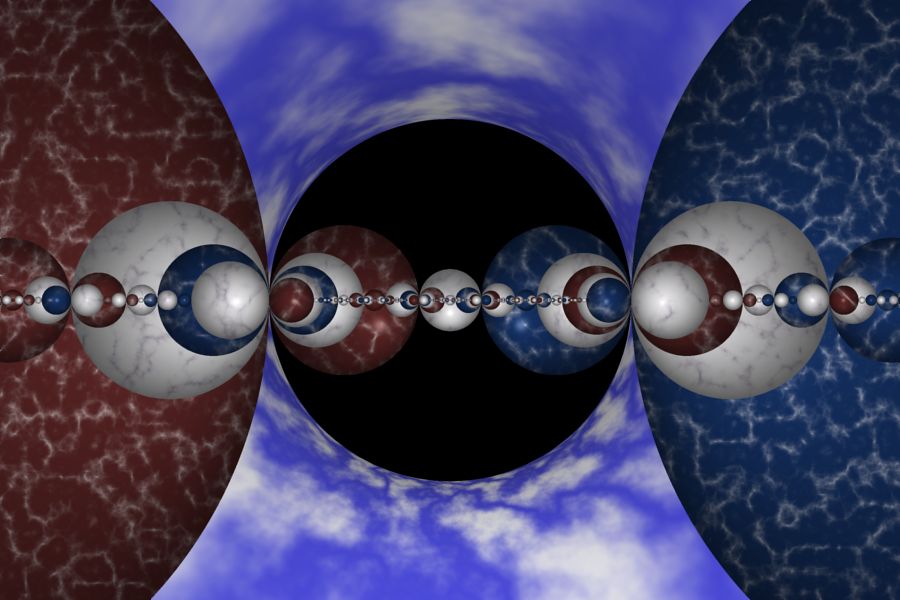
Schottky's World |
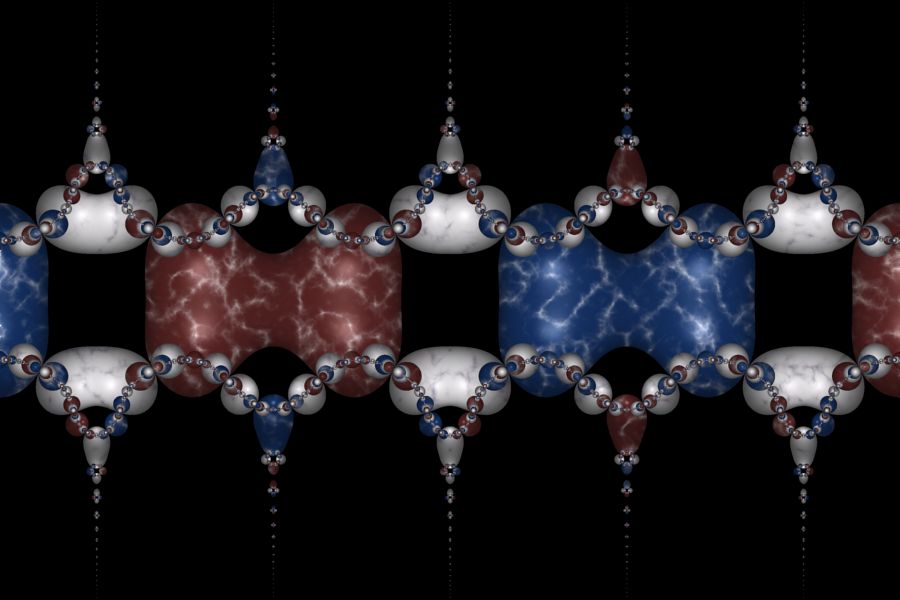
Schottky's Garland |
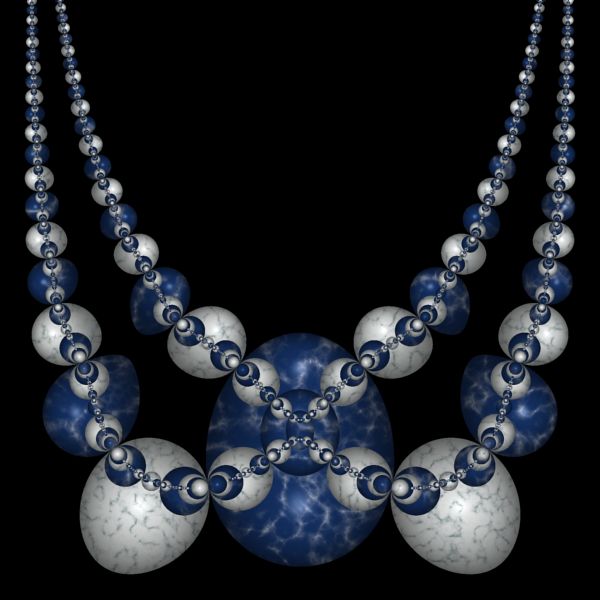
Schottky's Necklace |
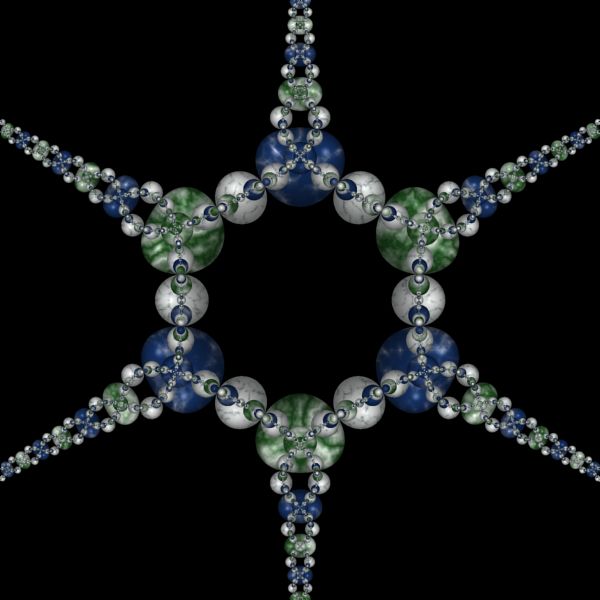
Schottky's Star |
The Schottky Group examples are based on an Orbit Trap called Schottky Group. The Schottky Group is a stand-alone fractal. It is implemented as an Orbit Trap so it can take advantage of Orbit Trap related features in the Fractal Science Kit, but it does not need the normal orbit processing; i.e., I set the Max Dwell property found in the Orbit Trap Orbit Generation section on the Mandelbrot / Julia / Newton page, to 1, eliminating the normal orbit processing.
Schottky Group fractals, and the methods used to produce them, are described in the excellent book Indra's Pearls - The Vision of Felix Klein by David Mumford, Caroline Series, and David Wright. For additional details, see David Wright's Indra's Pearls site.
Change the Schottky Group Properties
Change the Schottky Group properties.
Select the Schottky Group's properties page:
General
Mandelbrot / Julia /
Newton
Orbit
Trap
Orbit Trap Map
Instructions: Schottky Group
Properties
Change the Type property to any of the following types:
- Fuchsian Group
- Apollonian Gasket
- Strip Gasket
- X-Axis Schottky Group
- Theta-Schottky Group
- Kissing Schottky Group
When Type is X-Axis Schottky Group, Theta-Schottky Group, or Kissing Schottky Group, you can adjust the Type specific options just below the Type property too.
Also, try changing the Conjugate By and/or UCG Transform properties. Using different combinations of these properties, you can generates many different designs.
Depth, Radius Cutoff, and Min Radius, control the number of circles that are generated to define the fractal. Depth is the depth of recursion used in the algorithm. Radius Cutoff is the minimum radius of circles placed on the processing stack and is used to terminate the recursion loop early on selected branches. Min Radius is the minimum radius required for a circle to be displayed.
Change the Transformation
You can apply a transformation to the fractal.
Execute the Home command on the View menu of the Fractal Window to reset the fractal to the default position/magnification before you adjust the transformation. Then change the transformation and Zoom In to interesting areas of the transformed image.
Note the following:
- Schottky Group 03 applies the Half-Plane to Disk transformation.
- Schottky Group 04 applies the Composite Function transformation.
- Schottky Group 12 applies the Composite Function transformation.
- Schottky Group 13 applies the Composite Function transformation.
In the following discussion, when I refer to the transformation, I will use Composite Function, but you should use the transformation for the example you are working with.
To apply a transformation to the fractal, select the Composite Function transformation's page:
General
Mandelbrot / Julia / Newton
Transformation
Composite
Function
Change the Based On property to select a transformation and then open the transformation's properties page (found under the transformation in the page hierarchy), and play with the transformation's properties. See Transformation Support for details.
To add additional transformations, select Transformation:
General
Mandelbrot / Julia / Newton
Transformation
Click the New toolbar button to add a new Identity transformation to the bottom of the list, and then click the Move Up toolbar button to move the new transformation to the desired position in the list. Normally, I move the new transformation to the top of the list, but it can be placed anywhere. See Transformation Array for details.
Then select the Identity transformation:
General
Mandelbrot / Julia / Newton
Transformation
Identity
Change the Based On property to select a transformation and then open the transformation's properties page (found under the transformation in the page hierarchy), and play with the transformation's properties. See Transformation Support for details.