
L-System Orbit Trap Examples
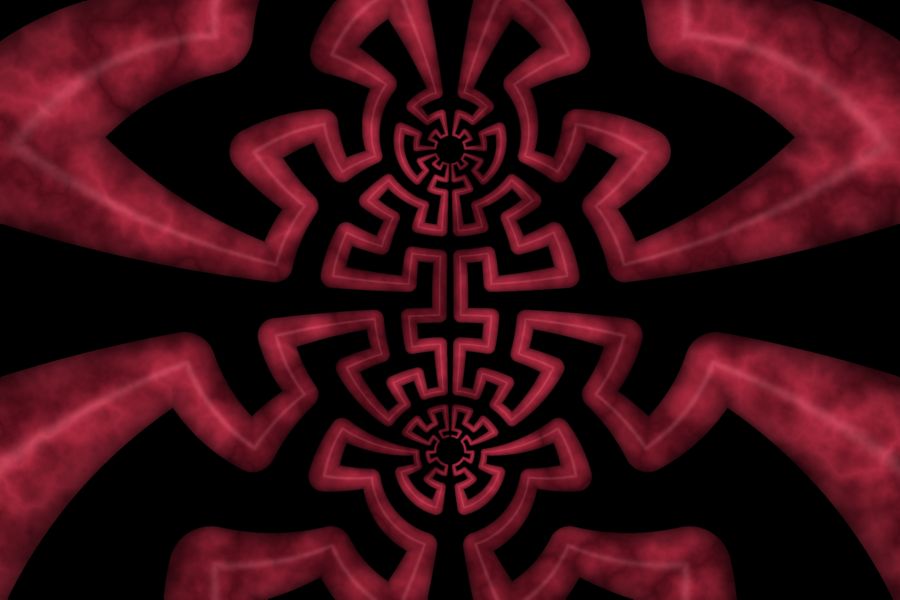
Hilbert's Gate |
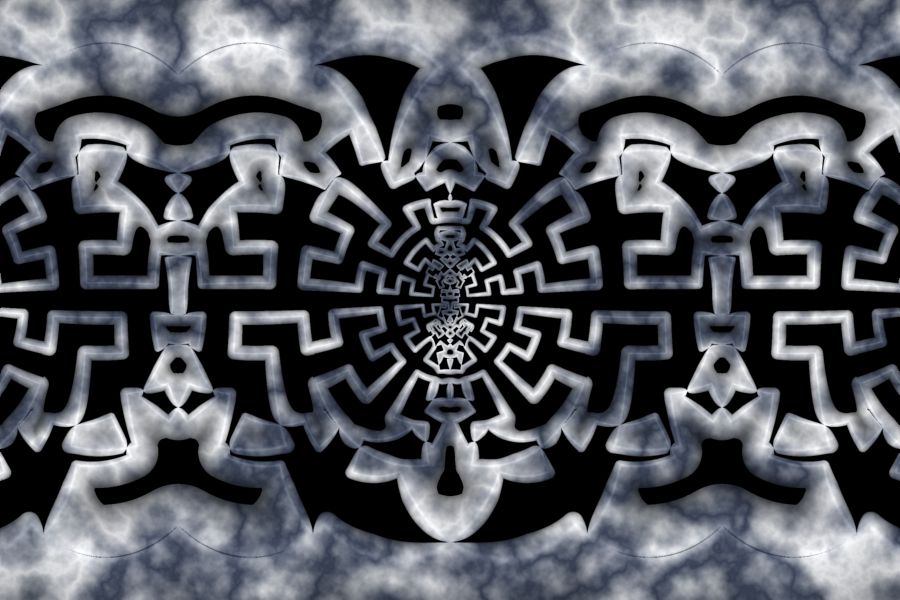 Balance |
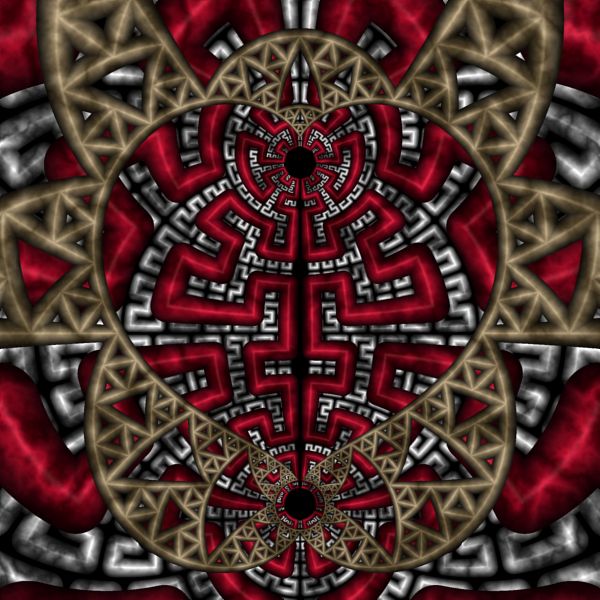
Compassion |
The L-System Orbit Trap examples are based on an L-System Orbit Trap. An L-System is defined using the L-System Language.
Change the L-System
You can change the L-System to one of the predefined L-System programs.
Select the L-System:
General
Mandelbrot / Julia / Newton
Orbit Trap
Orbit Trap Map
L-System
You can set the Center, Radius, Angle, Order, and Line Width on this page. The Order controls the depth of recursion.
We are going to use one of the L-System fractals defined in the default L-System file Examples.l so we do not need to change the L-System File property. If you want to play with other L-System programs, you can find lots to choose from at the following pages:
-
Fractint L-System Tutorial by William McWorter.
-
Fractint L-System Space-filling Curves Tutorial by William McWorter.
Take some of these and either add them to the Examples.l file (found in the My Files folder) or place them in a separate file with the .l extension and then change the L-System File property to that file.
Note that L-System Orbit Trap 03 has 3 L-System entries and you can change any or all of them.
Next, select the L-System Instructions:
General
Mandelbrot / Julia / Newton
Orbit Trap
Orbit Trap Map
L-System
L-System Instructions
Set the L-System property to one of the L-System programs.
Change the Transformation
You can apply a transformation to the fractal.
Execute the Home command on the View menu of the Fractal Window to reset the fractal to the default position/magnification before you adjust the transformation. Then change the transformation and Zoom In to interesting areas of the transformed image.
To change the transformation applied to the fractal, select the transformation's properties page:
General
Mandelbrot / Julia / Newton
Transformation
Composite
Function
Properties
Set the F(z) property to one of the complex functions in the list. You can change some of the other properties on this page for more variations.
You can also use a different transformation altogether. Select the Composite Function page, and change the Based On property to select a transformation and then open the transformation's properties page (found under the transformation in the page hierarchy), and play with the transformation's properties. See Transformation Support for details.
Change Transformation 1
Note: This section applies only to L-System Orbit Trap 02.
You can change the transformation applied to the orbit point prior to applying the symmetry transformation.
Select the transformation's properties page:
General
Mandelbrot / Julia / Newton
Orbit
Trap
Transformation 1
Composite
Function
Properties
Set the F(z) property to one of the complex functions in the list. You can change some of the other properties on this page for more variations.
You can also use a different transformation altogether. Select the Composite Function page, and change the Based On property to select a transformation and then open the transformation's properties page (found under the transformation in the page hierarchy), and play with the transformation's properties. See Transformation Support for details.
Change Transformation 2
Note: This section applies only to L-System Orbit Trap 02.
You can change the transformation applied to the orbit point after applying the symmetry transformation.
Select the transformation's properties page:
General
Mandelbrot / Julia / Newton
Orbit
Trap
Transformation 2
Composite
Function
Properties
Set the F(z) property to one of the complex functions in the list. You can change some of the other properties on this page for more variations.
You can also use a different transformation altogether. Select the Composite Function page, and change the Based On property to select a transformation and then open the transformation's properties page (found under the transformation in the page hierarchy), and play with the transformation's properties. See Transformation Support for details.
Change the Transformation within the Symmetry Transformation
Note: This section applies only to L-System Orbit Trap 02.
You can change the transformation applied to the orbit point within the symmetry transformation.
Select the transformation's properties page:
General
Mandelbrot / Julia / Newton
Orbit
Trap
Symmetry
Transformation: Transformation Shift - Linear Path
Transformation
Composite
Function
Properties
Set the F(z) property to one of the complex functions in the list. You can change some of the other properties on this page for more variations.
You can also use a different transformation altogether. Select the Composite Function page, and change the Based On property to select a transformation and then open the transformation's properties page (found under the transformation in the page hierarchy), and play with the transformation's properties. See Transformation Support for details.
Change the Properties for the Symmetry Transformation
Note: This section applies only to L-System Orbit Trap 02.
You can change the properties that control the symmetry transformation.
Select the transformation's properties page:
General
Mandelbrot / Julia / Newton
Orbit
Trap
Symmetry
Transformation: Transformation Shift - Linear Path
Properties
Change any of these properties to define the symmetry transformation.
Change the Symmetry Transformation
Note: This section applies only to L-System Orbit Trap 02.
You can try a different symmetry transformation.
Select the symmetry transformation:
General
Mandelbrot / Julia / Newton
Orbit
Trap
Symmetry
Transformation: Transformation Shift - Linear Path
Change the Based On property to one of the following symmetry transformations:
- Transformation Shift - Rotate
- Transformation Shift - Linear Path
- Transformation Shift - Circular Path
- Transformation Shift - Reflected Sectors
- Transformation Shift - Mobius Interpolation
After selecting one of the symmetry transformations, select the transformation's properties page and change the properties found there.
Play with Color
To play with color, select the color controller's properties page:
General
Mandelbrot / Julia /
Newton
Classic
Controllers
Pattern Map - Perlin Noise
Properties
Change the Gradient Offset property to the 0-based index of the gradient you want to use. View the gradients on the Pattern Map - Perlin Noise page.