
Fractal Sculpture Examples
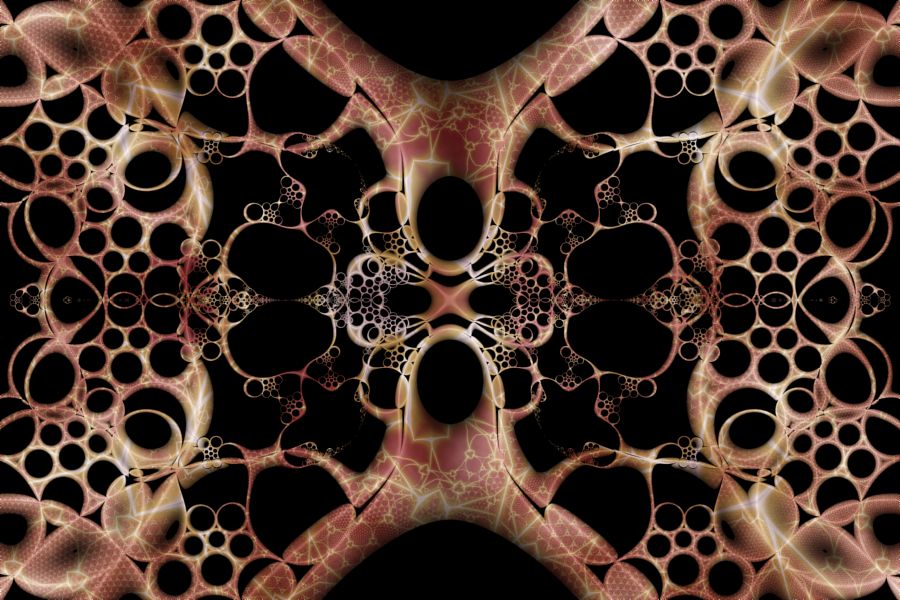
Ceramic Lace |
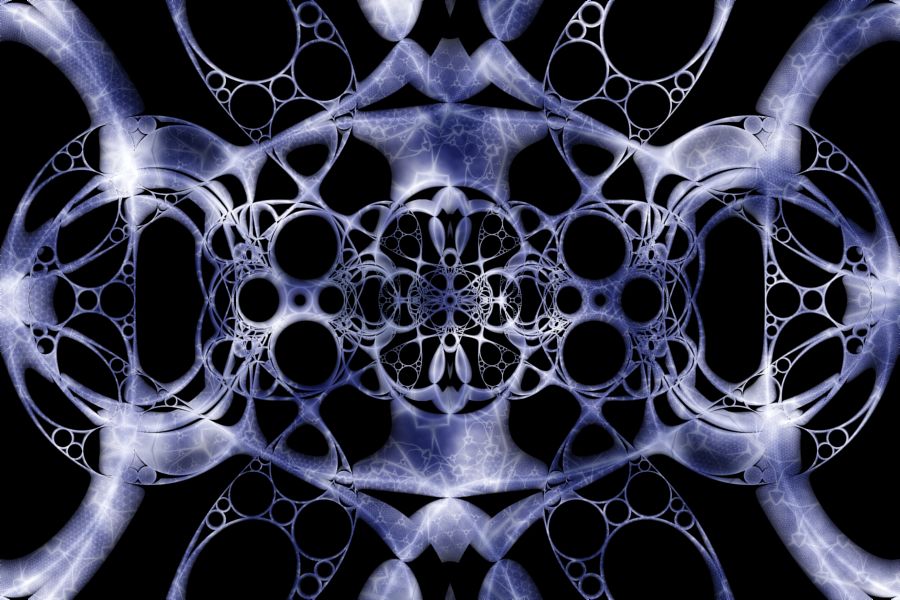
Apollonian Web |
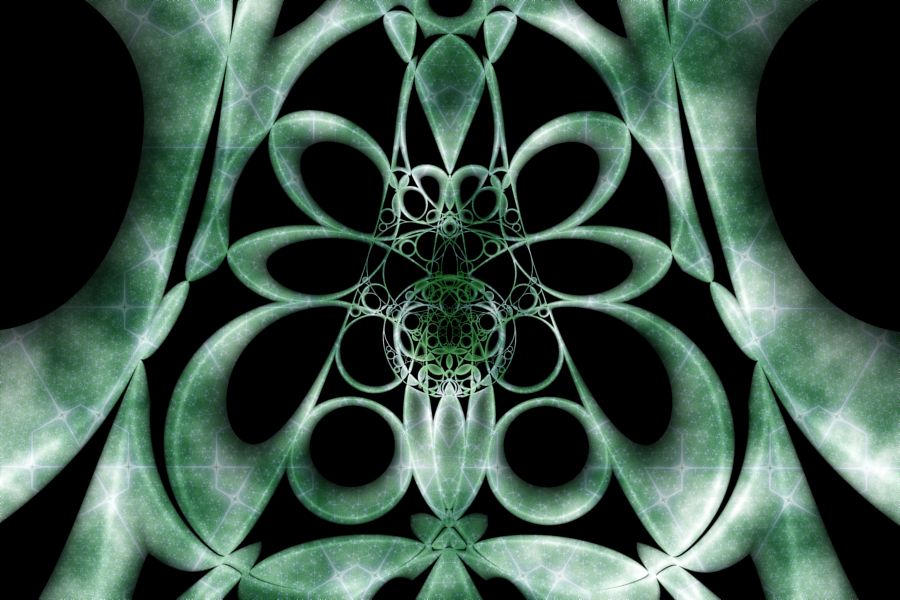
Butterfly Effect |
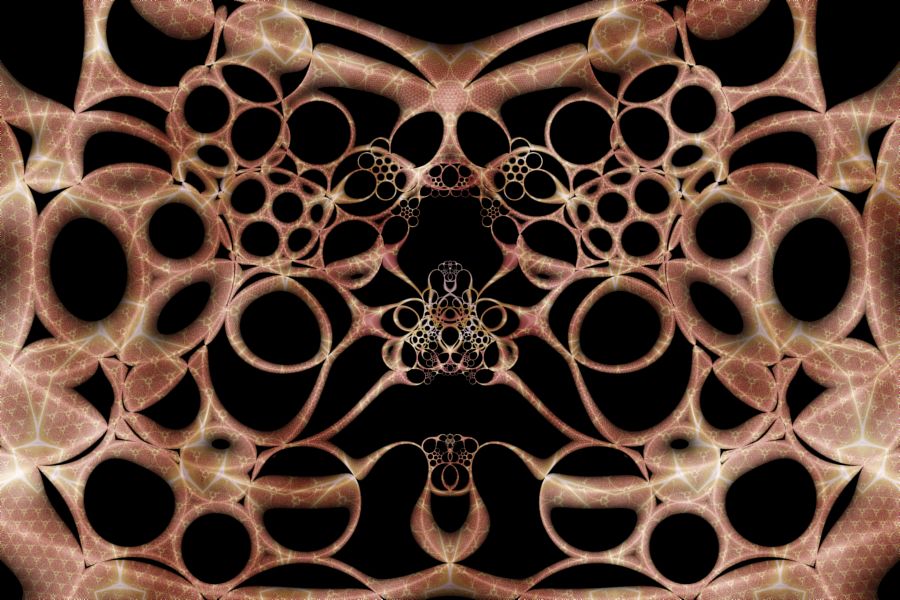 Ceramic Lace
II |
 Apollonian Web
II |
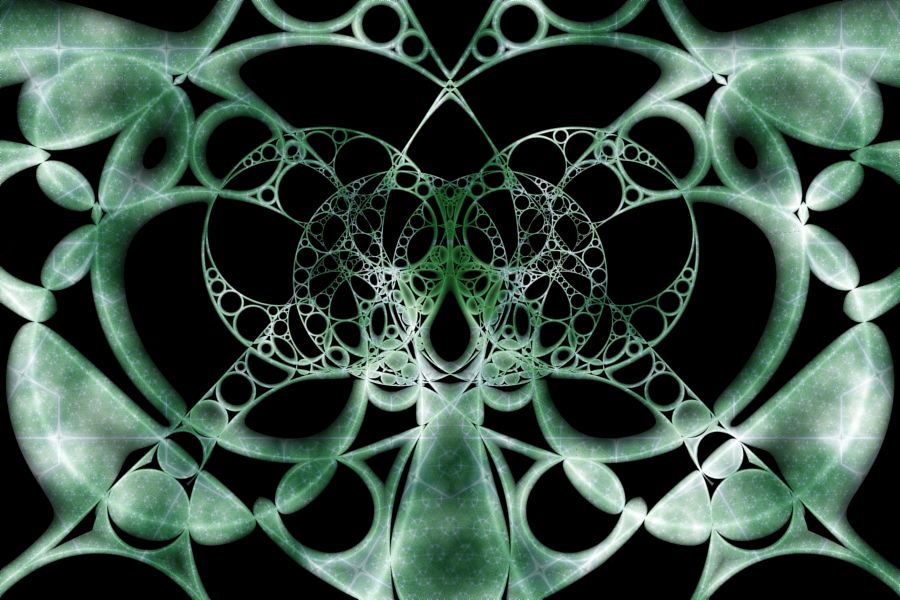 Butterfly Effect
II |
The Fractal Sculpture examples display an Orbit Trap in the context of a symmetry transformation. The fractal is colored using a blend of Perlin Noise and a background pattern.
Note the following:
| Example | Orbit Trap | Symmetry Transformation |
| Fractal Sculpture 03 | Circle Inversion | Transformation Shift - Circular Path |
| Fractal Sculpture 12 | Apollonian Gasket | Transformation Shift - Mobius Interpolation |
| Fractal Sculpture 21 | Kleinian Group | Transformation Shift - Reflected Sectors |
| Fractal Sculpture 22 | Circle Inversion | Transformation Shift - Linear Path |
| Fractal Sculpture 23 | Apollonian Gasket | Transformation Shift - Circular Path |
| Fractal Sculpture 24 | Kleinian Group | Transformation Shift - Circular Path |
In the remaining sections, when I refer to the symmetry transformation, I will use Transformation Shift - Circular Path, but you should use the symmetry transformation for the example you are working with, and when I refer to the orbit trap, I will use Circle Inversion, but you should use the orbit trap for the example you are working with.
Zoom In/Out
Zoom In or Zoom Out to examine different parts of the fractal.
Execute the Home command on the View menu of the Fractal Window to reset the fractal to the default position/magnification, and then Zoom In to other areas.
Explore the Julia Fractals
Since these examples are Mandelbrot Fractals, you can use the Preview Julia command to explore the Mandelbrot's many different Julia Fractals. This is a common technique that can be used to generate lots of different Julia fractals from a single Mandelbrot image.
Execute the Home command on the View menu of the Fractal Window to reset the Mandelbrot fractal to the default position/magnification, and use the Preview Julia command to explore the Mandelbrot's many different Julia Fractals. See Working with Julia Fractals for details.
Change Transformation 1
You can change the transformation applied to the orbit point prior to applying the symmetry transformation.
Execute the Home command on the View menu of the Fractal Window to reset the fractal to the default position/magnification before you adjust the transformation. Then change the transformation and Zoom In to interesting areas of the transformed image.
To change the transformation applied to the orbit point prior to applying the symmetry transformation, select the transformation's properties page:
General
Mandelbrot / Julia / Newton
Orbit
Trap
Transformation 1
Composite
Function
Properties
Set the F(z) property to one of the complex functions in the list. You can change some of the other properties on this page for more variations.
You can also use a different transformation altogether. Select the Composite Function page, and change the Based On property to select a transformation and then open the transformation's properties page (found under the transformation in the page hierarchy), and play with the transformation's properties. See Transformation Support for details.
To add additional transformations, select Transformation 1:
General
Mandelbrot / Julia / Newton
Orbit
Trap
Transformation 1
Click the New toolbar button to add a new Identity transformation to the bottom of the list, and then click the Move Up toolbar button to move the new transformation to the desired position in the list. Normally, I move the new transformation to the top of the list, but it can be placed anywhere. See Transformation Array for details.
Then select the Identity transformation:
General
Mandelbrot / Julia / Newton
Orbit
Trap
Transformation 1
Identity
Change the Based On property to select a transformation and then open the transformation's properties page (found under the transformation in the page hierarchy), and play with the transformation's properties. See Transformation Support for details.
Change Transformation 2
You can change the transformation applied to the orbit point after applying the symmetry transformation.
Execute the Home command on the View menu of the Fractal Window to reset the fractal to the default position/magnification before you adjust the transformation. Then change the transformation and Zoom In to interesting areas of the transformed image.
To change the transformation applied to the orbit point after applying the symmetry transformation, select the transformation's properties page:
General
Mandelbrot / Julia / Newton
Orbit
Trap
Transformation 2
Composite
Function
Properties
Set the F(z) property to one of the complex functions in the list. You can change some of the other properties on this page for more variations.
You can also use a different transformation altogether. Select the Composite Function page, and change the Based On property to select a transformation and then open the transformation's properties page (found under the transformation in the page hierarchy), and play with the transformation's properties. See Transformation Support for details.
To add additional transformations, select Transformation 2:
General
Mandelbrot / Julia / Newton
Orbit
Trap
Transformation 2
Click the New toolbar button to add a new Identity transformation to the bottom of the list, and then click the Move Up toolbar button to move the new transformation to the desired position in the list. Normally, I move the new transformation to the top of the list, but it can be placed anywhere. See Transformation Array for details.
Then select the Identity transformation:
General
Mandelbrot / Julia / Newton
Orbit
Trap
Transformation 2
Identity
Change the Based On property to select a transformation and then open the transformation's properties page (found under the transformation in the page hierarchy), and play with the transformation's properties. See Transformation Support for details.
Change the Transformation within the Symmetry Transformation
You can change the transformation applied to the orbit point within the symmetry transformation.
Select the transformation's properties page:
General
Mandelbrot / Julia / Newton
Orbit
Trap
Symmetry
Transformation: Transformation Shift - Circular Path
Transformation
Composite
Function
Properties
Set the F(z) property to one of the complex functions in the list. You can change some of the other properties on this page for more variations.
You can also use a different transformation altogether. Select the Composite Function page, and change the Based On property to select a transformation and then open the transformation's properties page (found under the transformation in the page hierarchy), and play with the transformation's properties. See Transformation Support for details.
Change the Properties for the Symmetry Transformation
You can change the properties that control the symmetry transformation.
Select the transformation's properties page:
General
Mandelbrot / Julia / Newton
Orbit
Trap
Symmetry
Transformation: Transformation Shift - Circular Path
Properties
Change any of these properties to define the symmetry transformation.
Change the Symmetry Transformation
You can try a different symmetry transformation.
Select the symmetry transformation:
General
Mandelbrot / Julia / Newton
Orbit
Trap
Symmetry
Transformation: Transformation Shift - Circular Path
Change the Based On property to one of the following symmetry transformations:
- Transformation Shift - Rotate
- Transformation Shift - Linear Path
- Transformation Shift - Circular Path
- Transformation Shift - Reflected Sectors
- Transformation Shift - Mobius Interpolation
After selecting one of the symmetry transformations, select the transformation's properties page and change the properties found there.
Change the Orbit Trap
You can try out different Orbit Traps.
Select Instructions: Circle Inversion:
General
Mandelbrot / Julia /
Newton
Orbit
Trap
Orbit Trap Map
Instructions: Circle Inversion
Change the Based On property to one of the other Orbit Traps.
Each of these programs have properties (on the properties page found under the orbit trap) to manipulate the trap and thereby change the resulting fractal. Note that some of the property settings result in solid polygons/shapes and should be avoided.
You can also try out the different optimized orbit traps. To do this, select Orbit Trap Map:
General
Mandelbrot / Julia /
Newton
Orbit
Trap
Orbit Trap Map
Change the Type property to one of the following:
- Circle
- Cross
- Epicycloid
- Fractal Gasket
- Gear
- Hypocycloid
- Isogonal Polygon
- Koch Triangle
- L-System
- Oscillator
- Penrose Kite
- Polygon
- Rectangle
- Rose
- Shape
- Sierpinski Triangle
- Spirolateral
- Star Polygon
- Triangle
Each of these orbit traps have properties (on the page found under the Orbit Trap Map page) to manipulate the trap and thereby change the resulting fractal.