
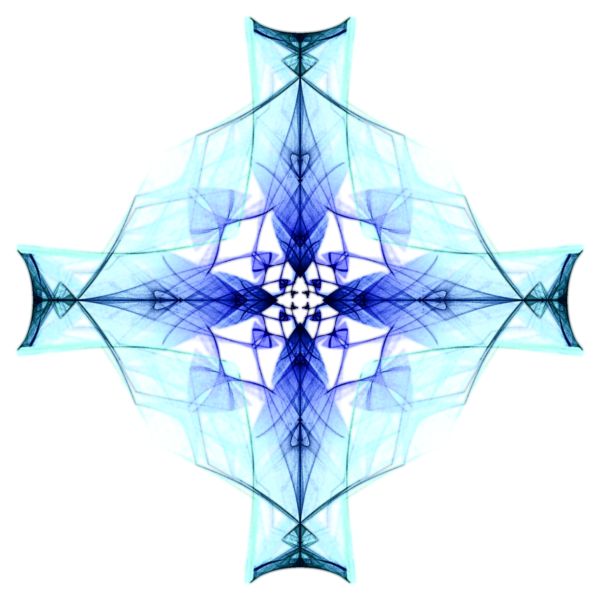
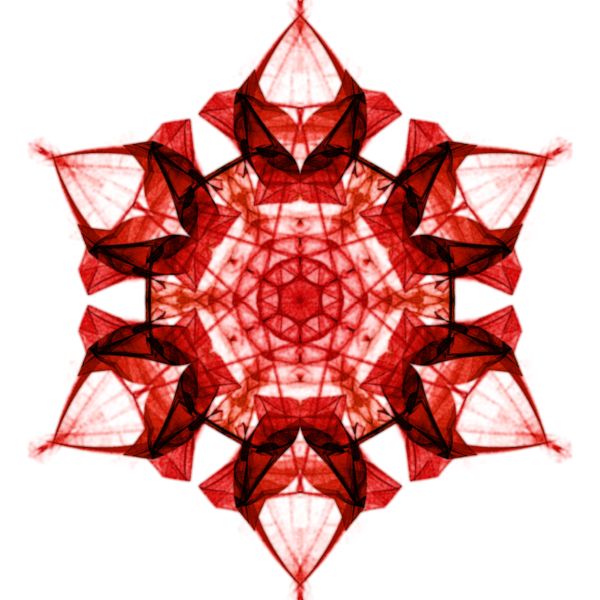
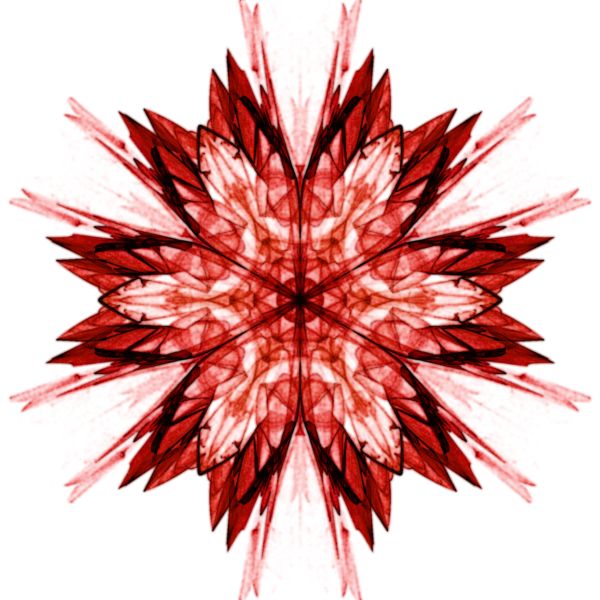
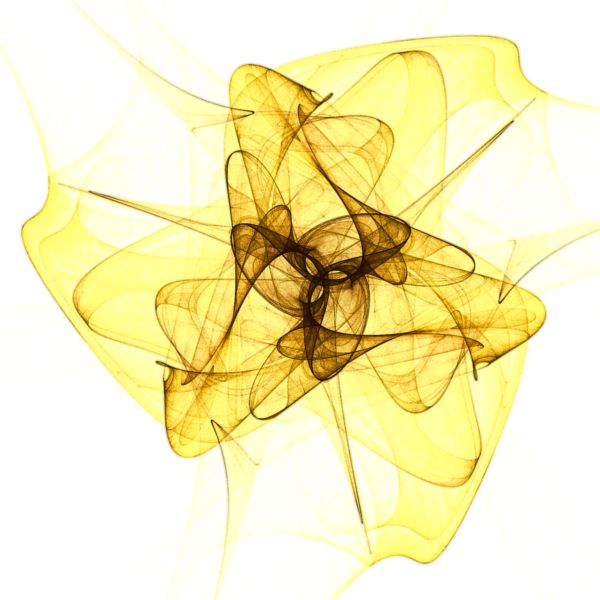
Symmetric Attractor Examples
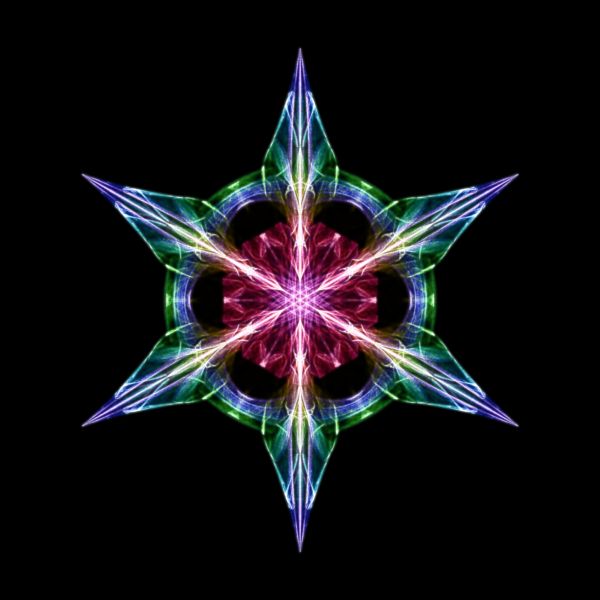
Jewelled Star |
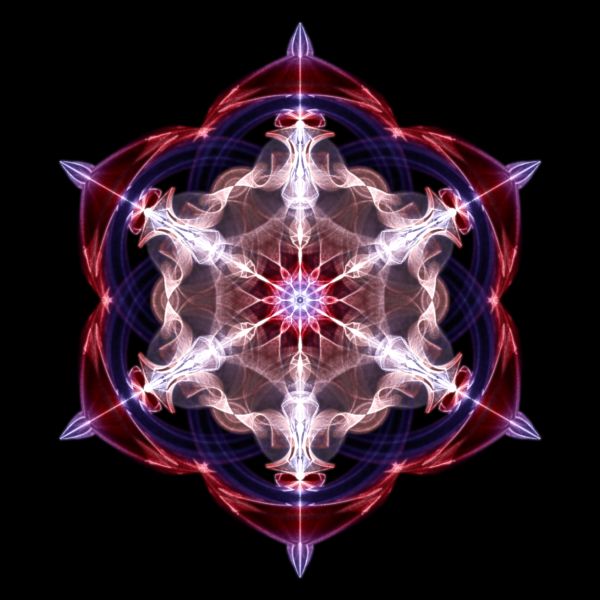
Swirling Star |
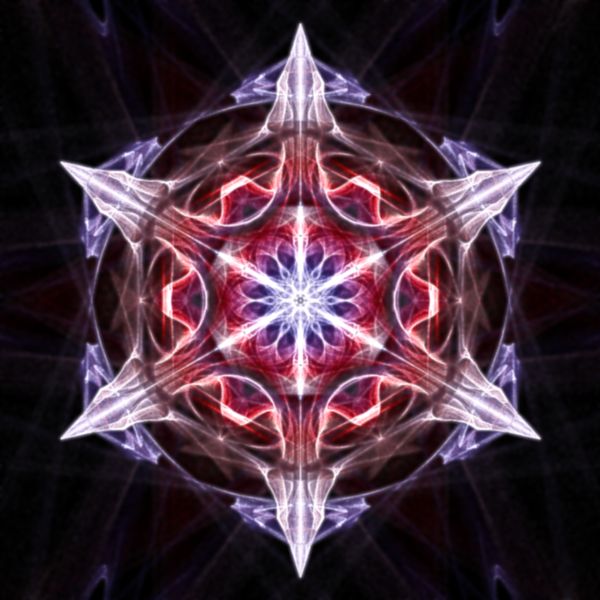
Exploding Star |
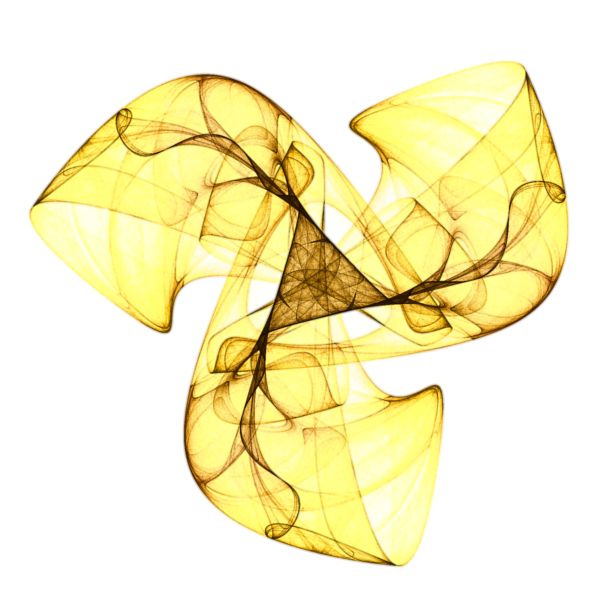 Wisps of
Smoke I |
 Aliens of
the Abyss I |
 Ruby
Snowflake I |
 Wisps of
Smoke II |
 Aliens of
the Abyss II |
 Ruby
Snowflake II |
 Wisps of
Smoke III |
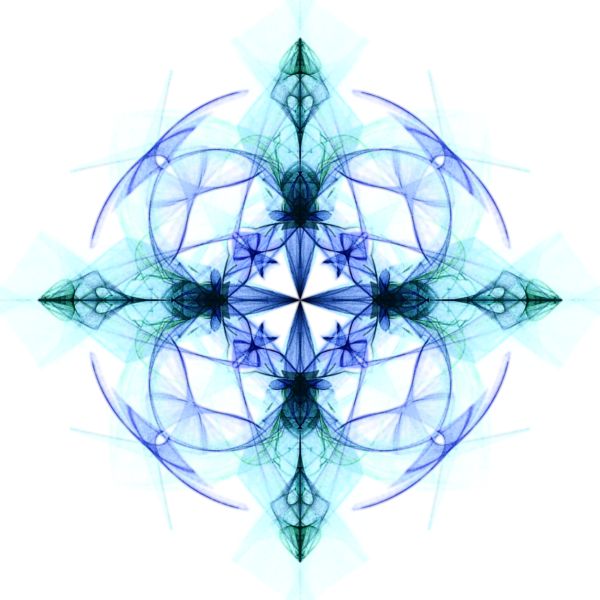 Aliens of
the Abyss III |
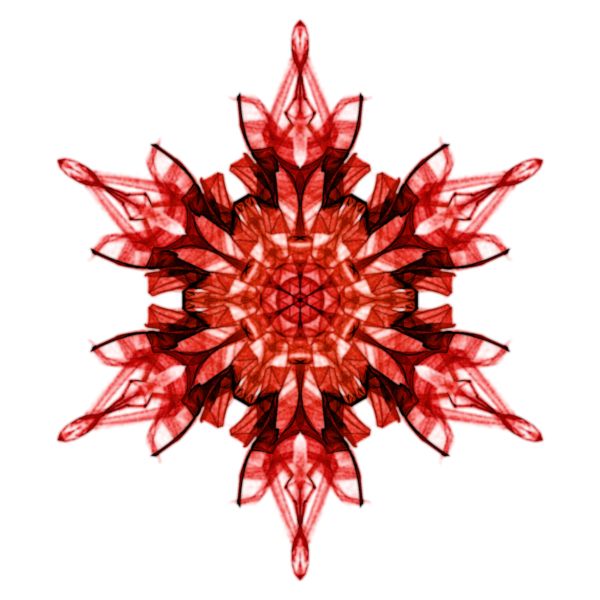 Ruby
Snowflake III |
The Symmetric Attractor examples are based on the Symmetric Attractor Orbital Equation.
Symmetric Attractor fractals, and the methods used to produce them, are described in the paper Chaotic attractors with cyclic symmetry revisited by Kevin C. Jones and Clifford A. Reiter in Computers & Graphics 24 (2000) 271-282. Clifford A. Reiter is a professor at Lafayette College. See Clifford A. Reiter's Gallery of Fractals, Chaos and Symmetry for lots of interesting information relating to fractals, chaos, and symmetry.
Add a Symmetry Transformation for Performance
You can add a Symmetry Transformation to improve the performance.
Symmetric Attractors are by definition symmetric. They exhibit rotational symmetry of order N about the origin. The order N is evident by looking at the image but is given here for completeness:
| Example | 01 | 03 | 04 | 06 | 07 | 08 | 09 | 10 | 11 | 12 | 13 | 14 |
| Order N | 6 | 6 | 6 | 3 | 4 | 6 | 3 | 4 | 6 | 3 | 4 | 6 |
A Rosette Symmetry Group Symmetry Transformation injects rotational symmetry of order N into a fractal, so applying a Rosette Symmetry Group with the same value for the order N as given by the Symmetric Attractor example, would not change the image in any way. However, in most cases, the Symmetry Transformation processing is much faster than the Orbital Equation processing, so you can improve performance by applying a Symmetry Transformation.
For example, Symmetric Attractor 01 takes 9.42 minutes to generate the data without the Symmetry Transformation but only 1.64 minutes if you add a Rosette Symmetry Group Symmetry Transformation with Order set to 6. Of course, these are the times required to produce a high-quality image. If you follow the recommendations outlined in Step 2 of Fractal Science Kit Examples Overview, both these times will be significantly lower.
To add the Rosette Symmetry Group Symmetry Transformation, select the Identity Symmetry Transformation:
General
Orbital / IFS / Strange
Attractor
Symmetry Transformation: Identity
Change the Based On property to Rosette Symmetry Group.
Next, select the symmetry transformation's properties:
General
Orbital / IFS / Strange
Attractor
Symmetry Transformation: Rosette
Symmetry Group
Properties
Change the Order property to match the rotational symmetry of the Symmetric Attractor you are working with.
I did not do this in these examples because some of the experiments given on this page, change or eliminate the symmetry in the image, and in those cases, the symmetry transformation would significantly alter the image. For example, selecting a different design, as discussed in the next section, will change the symmetry to match the new design, and you would need to change the symmetry transformation's Order to match.
Play with the Orbital Equation's Properties
You can change the equation's properties for more variations.
Select the equation's properties page:
General
Orbital / IFS / Strange
Attractor
Orbital Equation: Symmetric Attractor
Properties
Change the Item property to select a different design.
Change the Color Offset property to alter how the color is mapped to the design.
Search for Additional Symmetric Attractors
You can search for new Symmetric Attractor designs.
Select the Orbital Equation:
General
Orbital / IFS / Strange
Attractor
Orbital Equation: Symmetric Attractor
Change the Based On property to Symmetric Attractor (Search).
Then navigate to the properties page for the equation (found under the equation in the page hierarchy) and change the properties found there to control the search. Note that the default settings work, so you do not need to change anything, however, I recommend that you change the Type and Symmetry properties.
Now, every time you execute the Display Fractal command on the associated Fractal Window, the program will search for a new attractor and display the results. If you don't like the image, execute the Display Fractal command again to search for another attractor.
If you like the image and want to save the corresponding parameters, you must open the Error/Debug Window, and copy/paste the parameters found at the end of the message window into your favorite text editor. To use these parameters, you must open the file Examples.sa in the My Files folder and place the parameters at the end of the file. Be sure to change the name of the attractor to something other than the default name SymmetricAttractor and then save the file.
Next, change the Orbital Equation back to Symmetric Attractor and set the Item property to your new attractor, which should be at the end of the list of attractors given in the dropdown menu.
Change the Triangle Metric
The Symmetric Attractor example displays a symmetric attractor but rather than tracking the orbit point as is normally the case, we track a triangle metric point instead. That is, as the orbit progresses, we use the last 3 orbit points to define a triangle, compute a triangle metric point based on the triangle, and accumulate statistics into the triangle metric point rather than the original orbit point as is normally done. For any given symmetric attractor, we can produce many different variations simply by varying the triangle metric calculation.
To see this, select Orbital / IFS / Strange Attractor:
General
Orbital / IFS / Strange
Attractor
Note that the Point to Track property is set to Triangle Metric Point. This is normally set to Orbit Point but I changed it for these examples.
In fact, several of the examples are a variation of one of the other examples, created by varying the triangle metric calculation:
| Example | Variation Of | Triangle Metric |
| Symmetric Attractor 03 | Symmetric Attractor 01 | Altitude C Foot |
| Symmetric Attractor 04 | Symmetric Attractor 01 | ExCenter A |
| Symmetric Attractor 09 | Symmetric Attractor 06 | Symmedian B Foot |
| Symmetric Attractor 10 | Symmetric Attractor 07 | Altitude C Foot |
| Symmetric Attractor 11 | Symmetric Attractor 08 | Angle Bisector A Foot |
| Symmetric Attractor 12 | Symmetric Attractor 06 | OrthoCenter |
| Symmetric Attractor 13 | Symmetric Attractor 07 | Tangent BC |
| Symmetric Attractor 14 | Symmetric Attractor 08 | Median C |
Note that I set the Triangle Metric for the rest of the examples to Vertex A which equates to the tracking orbit point.
To change the Triangle Metric, select the Triangle Metric:
General
Orbital / IFS / Strange
Attractor
Triangle Metric
Change the Triangle Metric property in the p1 section. You can change the other properties on this page too. See Triangle Metric for details.
Change the Transformation
You can apply a transformation to the fractal.
To apply a transformation to the fractal, select the Identity transformation's page:
General
Orbital / IFS / Strange
Attractor
Transformation 1
Identity
Change the Based On property to select a transformation and then open the transformation's properties page (found under the transformation in the page hierarchy), and play with the transformation's properties. See Transformation Support for details.
Turn on Embossing
You can apply embossing to the image to give it a 3D relief look.
To turn on embossing, select the General page:
In the Embossing section, check the Emboss Image checkbox. The other properties in this section can be used to control the strength and direction of the embossing.
Play with Color
To play with color, select the color controller's properties page:
General
Orbital / IFS / Strange
Attractor
Controllers
Gradient Map - Value
Properties
Changing these properties to control the data to color mapping.
Color Scheme selects which gradient to use.
Try setting the Value property to one of the following values:
- Attractor Index
- Speed
- Acceleration
- Angle
Power, Factor, and Offset control how the value is mapped into the gradient.