
Julia Map Examples
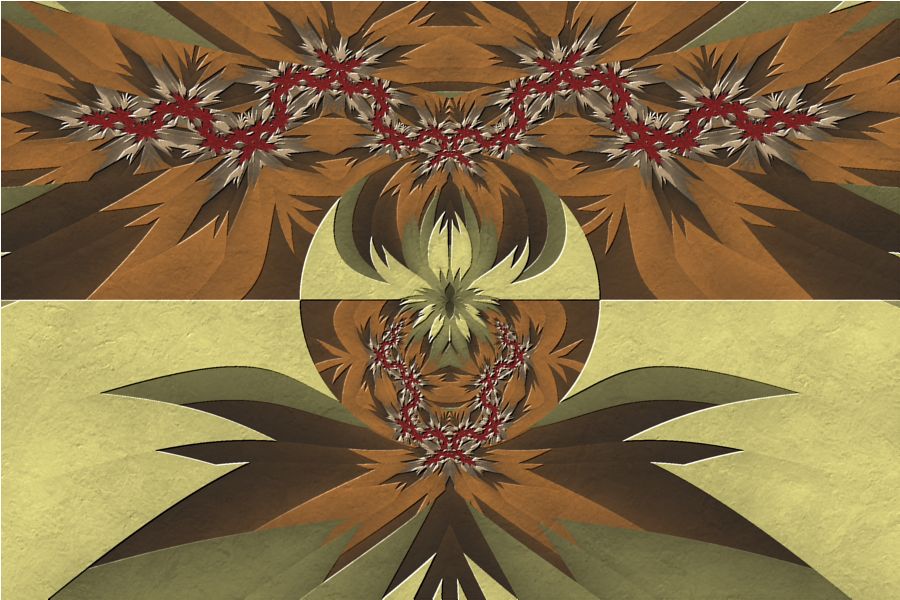
Desert Flower |
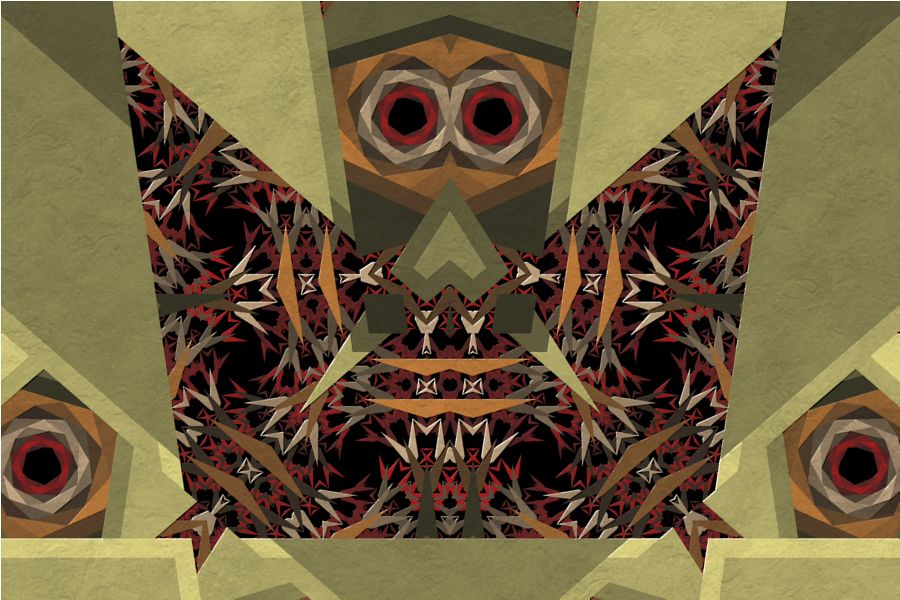
Barnsley Owl Pictograph |
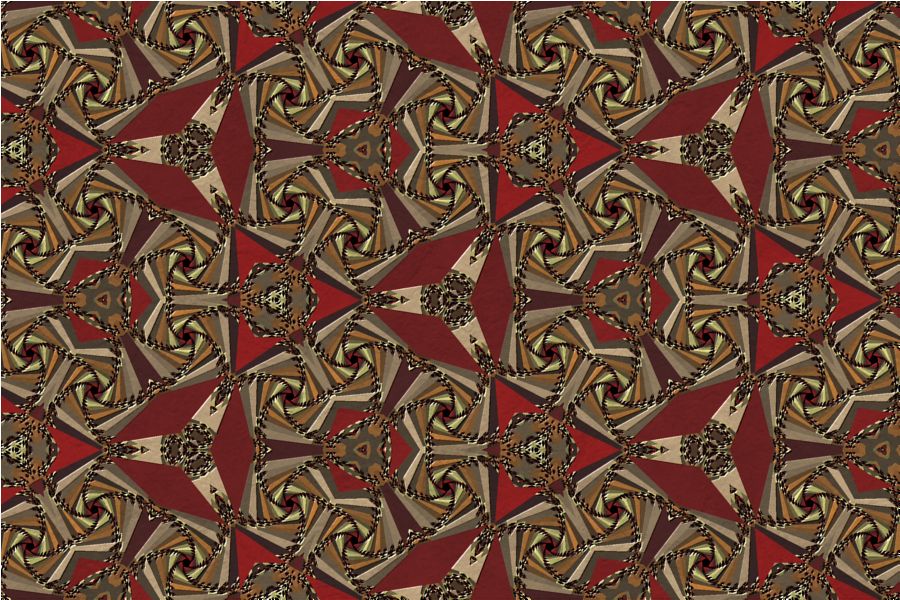
Kaleidoscope |
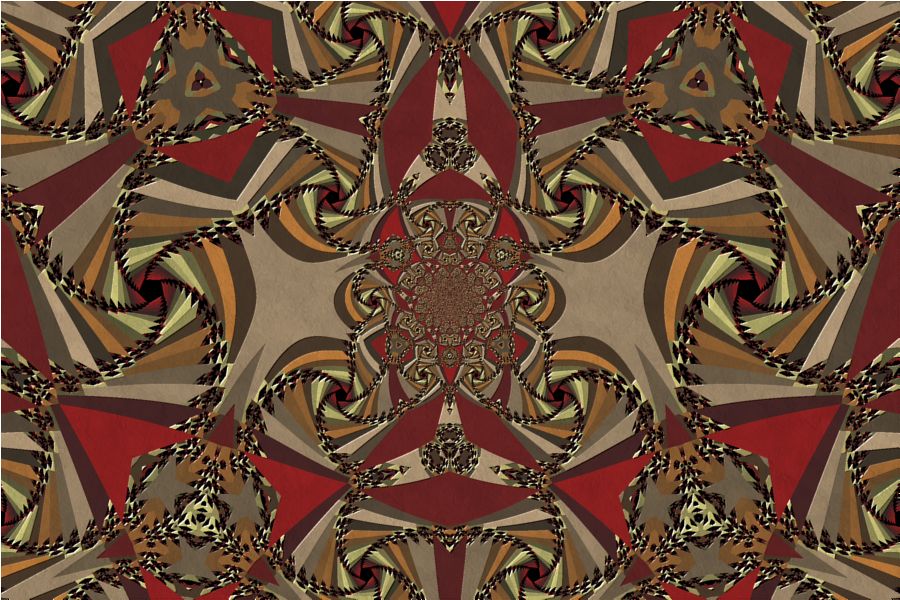 Abstract Wycinanki
I |
 Abstract Wycinanki
II |
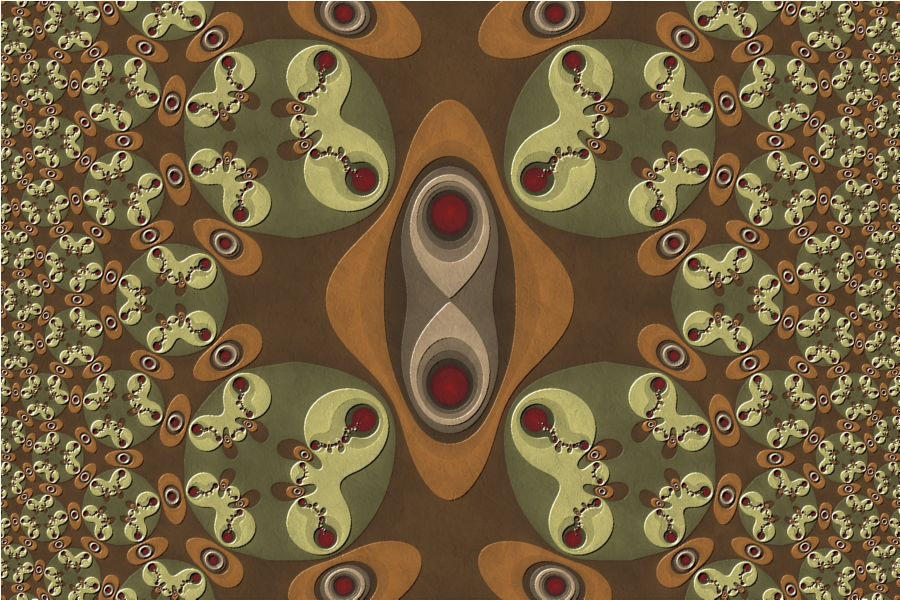 Cell Division I |
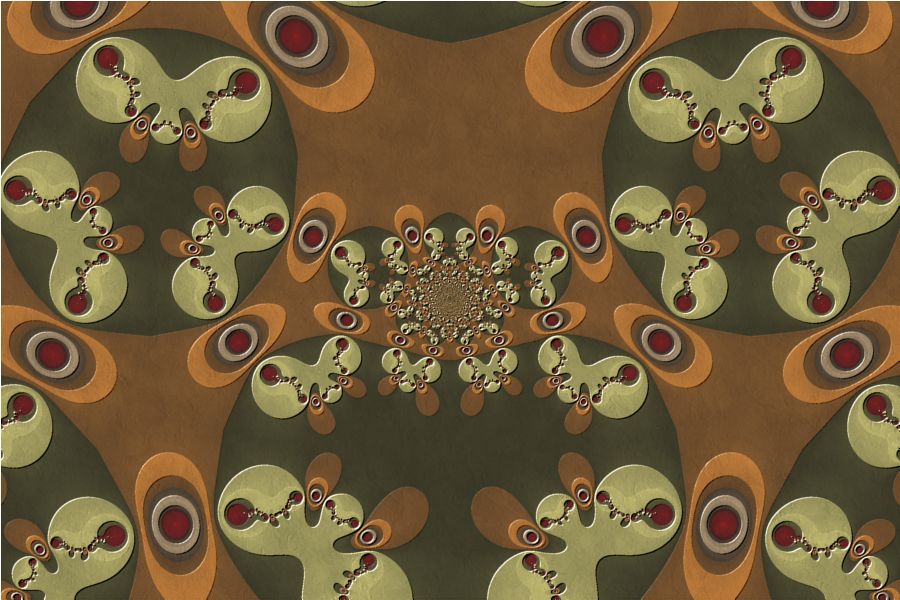 Cell Division II |
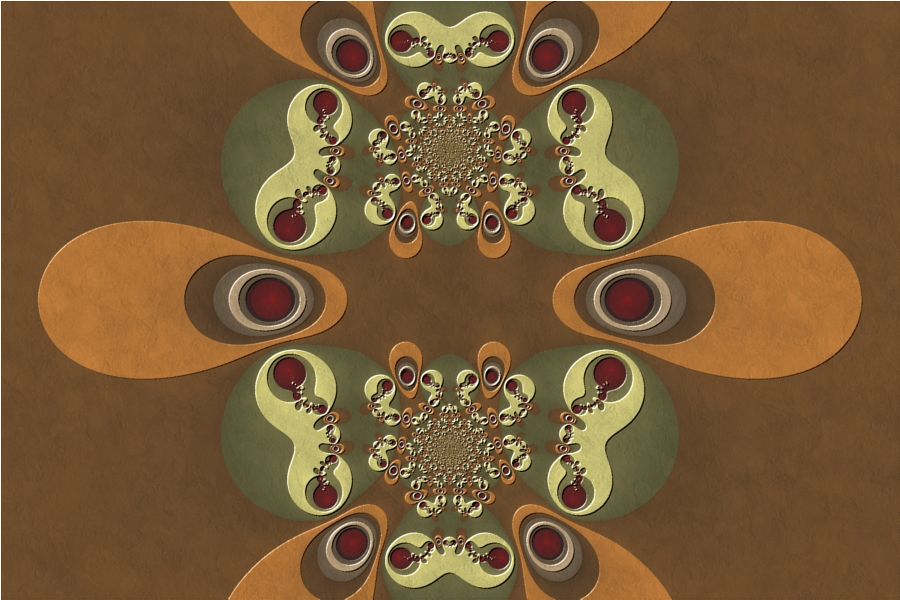 Cell Division III |
The Julia Map examples display a Julia Fractal based on various equations. The fractal image is blended with a texture and embossed.
Note: When you turn off Anti-Aliasing to increase performance as you explore, as recommended in the Fractal Science Kit Examples Overview, the Embossing effect is overpowering. You can deal with this in two ways:
- The simple strategy is to do nothing and know that when you turn Anti-Aliasing back on to generate any image you want to save, the Embossing will look great.
- You can set the Embossing Weight to Light, or turn it off altogether, and then set it back to Normal when you turn Anti-Aliasing back on.
Note the following:
| Example | Fractal Type | Fractal Equation |
| Julia Map 01 | Julia Fractal | Julia Map 1 |
| Julia Map 02 | Julia Fractal | Julia Map 1 |
| Julia Map 03 | Julia Fractal | Julia Map 1 |
| Julia Map 04 | Julia Fractal | Julia Map 1 |
| Julia Map 05 | Julia Fractal | Julia Map 1 |
| Julia Map 06 | Julia Fractal | Convergent Map 1 |
| Julia Map 07 | Julia Fractal | Convergent Map 1 |
| Julia Map 08 | Julia Fractal | Convergent Map 1 |
In the remaining sections, when I refer to the equation, I will use Julia Map 1, but you should use the equation for the example you are working with.
All the examples apply 2 transformations to the fractal: Composite Function and Kaleidoscope - Triangles.
Zoom In/Out
Zoom In or Zoom Out to examine different parts of the fractal.
Execute the Home command on the View menu of the Fractal Window to reset the fractal to the default position/magnification, and then Zoom In to other areas.
Remember that as you Zoom In, you may need to increase the Max Dwell property found in the Orbit Generation section of the General page.
Play with the Fractal Equation's Properties
You can change the equation's properties for more variations.
Select the equation's properties page:
General
Mandelbrot / Julia / Newton
Fractal Equation: Julia Map 1
Properties
Play with the equation's properties.
Change the Julia Constant
You can generate other Julia Fractals based on the same equation.
Select the Fractal Equation:
General
Mandelbrot / Julia /
Newton
Fractal Equation: Julia Map 1
Uncheck the Julia checkbox, execute the Home command on the View menu of the Fractal Window to reset the Mandelbrot fractal to the default position/magnification, and use the Preview Julia command to explore the Mandelbrot's many different Julia Fractals. See Working with Julia Fractals for details.
Alternatively, you can change the Julia Constant property on the Fractal Equation page, and then click the Preview Fractal toolbar button on the Properties Window to generate a preview of your change in the Preview Window.
Change the Fractal Equation
You can change the Fractal Equation used to generate the fractal.
Select the Fractal Equation:
General
Mandelbrot / Julia / Newton
Fractal Equation: Julia Map 1
Change the Based On property to one of the other Fractal Equations.
Then execute the Home command on the View menu of the Fractal Window to reset the Mandelbrot fractal to the default position/magnification, and use the Preview Julia command to explore the Mandelbrot's many different Julia Fractals. See Working with Julia Fractals for details.
Remember to navigate to the properties page for the equation (found under the equation in the page hierarchy) and play with the different properties found there. Many of the equations support properties that can be used to generate lots of different variations.
Change the Transformation
You can apply a transformation to the fractal.
Execute the Home command on the View menu of the Fractal Window to reset the fractal to the default position/magnification before you adjust the transformation. Then change the transformation and Zoom In to interesting areas of the transformed image.
To change the Composite Function transformation applied to the fractal, select the transformation's properties page:
General
Mandelbrot / Julia / Newton
Transformation
Composite
Function
Properties
Set the F(z) property to one of the complex functions in the list. You can change some of the other properties on this page for more variations.
You can also use a different transformation altogether. Select the Composite Function page, and change the Based On property to select a transformation and then open the transformation's properties page (found under the transformation in the page hierarchy), and play with the transformation's properties. See Transformation Support for details.
To change the Kaleidoscope - Triangles transformation applied to the fractal, select the transformation's properties page:
General
Mandelbrot / Julia / Newton
Transformation
Kaleidoscope
- Triangles
Properties
Check/uncheck the Enabled property to enable/disable the transformation. You can change the other properties on this page for more variations. The properties define a triangle on the complex plane. The area of the fractal inside the triangle is replicated over the entire complex plane by first reflecting the triangle about its sides, and then reflecting each of the new triangles about their sides, and so on. It is best to examine the original image for an interesting triangular region and then set the transformation's properties to position the triangle over that region.
How you set the properties to position the triangle depends on the Type property. Type can be set to one of the following values:
- 60, 60, 60
- 30, 60, 90
- 45, 45, 90
The Type property names the triangle based on the triangle's angles. The triangles 60, 60, 60 and 30, 60, 90 are contained within a hexagon with its center at the Central Vertex and 2 of its vertices on the X axis. The height of the hexagon is given by Grid Size. The hexagon is divided into 6 60, 60, 60 triangles or 12 30, 60, 90 triangles, respectively, and the triangle in the first quadrant adjacent to the X axis is rotated by Angle degrees. The fractal image under this triangle is used to generate the kaleidoscope image.
The triangle 45, 45, 90 is contained within a square with its center at the Central Vertex. The height of the square is given by Grid Size. The square is divided into 8 45, 45, 90 triangles, and the triangle in the first quadrant adjacent to the X axis is rotated by Angle degrees. The fractal image under this triangle is used to generate the kaleidoscope image.
You can also try out the other kaleidoscope transformations. To do this, select the Kaleidoscope - Triangles page:
General
Mandelbrot / Julia / Newton
Transformation
Kaleidoscope
- Triangles
Set the Based On property to Kaleidoscope - Slices or Kaleidoscope - Squares and then select the transformation's Properties page and change the properties as required. These transformations are similar to the Kaleidoscope - Triangles transformation except that they use a pie shaped sector and a square, respectively, to tile the plane rather than a triangle.
The transformations are applied in the order given in the list on the Transformation page:
General
Mandelbrot / Julia / Newton
Transformation
To change the order of the transformations, select Transformation, and then select one of the transformations in the list and click the up/down arrows on the list's toolbar to change the order. If the kaleidoscope transformation is first in the list, the resulting image will look like a kaleidoscope. Otherwise, the first transformation will distort the kaleidoscope resulting in unusual designs.
To add additional transformations, select Transformation:
General
Mandelbrot / Julia / Newton
Transformation
Click the New toolbar button to add a new Identity transformation to the bottom of the list, and then click the Move Up toolbar button to move the new transformation to the desired position in the list. Normally, I move the new transformation to the top of the list, but it can be placed anywhere. See Transformation Array for details.
Then select the Identity transformation:
General
Mandelbrot / Julia / Newton
Transformation
Identity
Change the Based On property to select a transformation and then open the transformation's properties page (found under the transformation in the page hierarchy), and play with the transformation's properties. See Transformation Support for details.
Play with Color
To play with color, select the color controller's properties page:
General
Mandelbrot / Julia /
Newton
Classic
Controllers
Gradient Map - Value
Properties
Change the Color Scheme, Power, Factor, or Offset properties to play with how the data is mapped to color.