
Convergent Orbit Trap Examples

Midas Touch |
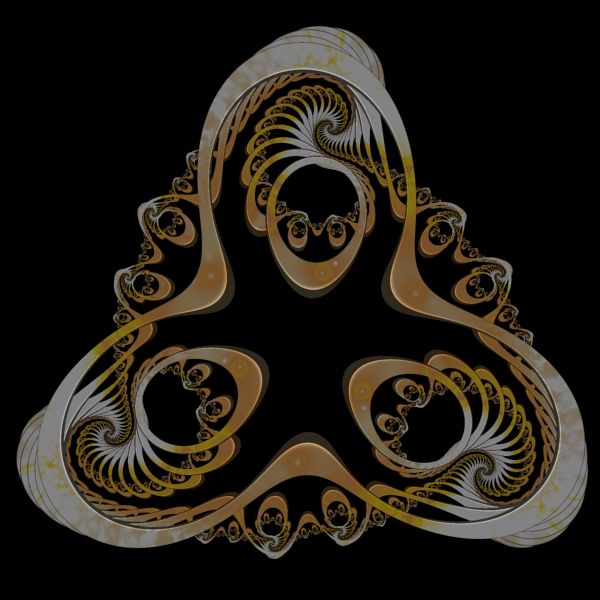
Triple Strike |
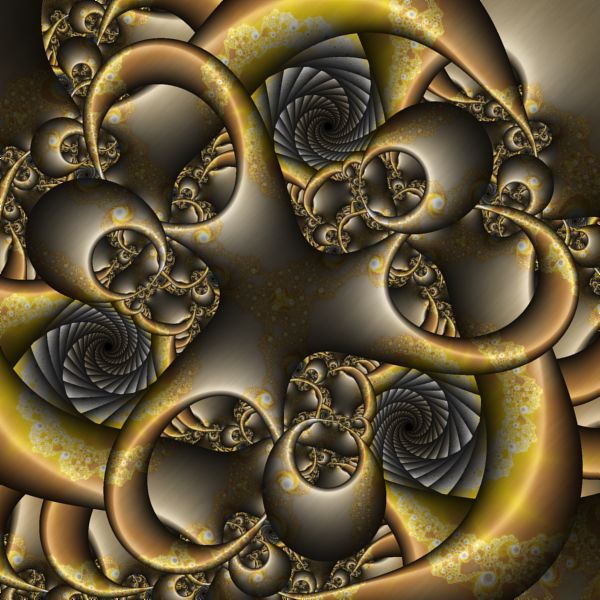
Brazed Metal I |
 Brazed
Metal II |

Brazed Metal III |
The Convergent Orbit Trap examples apply a Circle Orbit Trap to a Julia Fractal based on the Fractal Equation Convergent Map 1.
Zoom In/Out
Zoom In or Zoom Out to examine different parts of the fractal.
Execute the Home command on the View menu of the Fractal Window to reset the fractal to the default position/magnification, and then Zoom In to other areas.
Remember that as you Zoom In, you may need to increase the Max Dwell property found in the Orbit Trap Orbit Generation section of the General page.
Play with the Fractal Equation's Properties
You can change the equation's properties for more variations.
Select the equation's properties page:
General
Mandelbrot / Julia / Newton
Fractal Equation: Convergent Map 1
Properties
Play with the equation's properties.
Change the Julia Constant
You can generate other Julia Fractals based on the same equation.
Select the Fractal Equation:
General
Mandelbrot / Julia /
Newton
Fractal Equation: Convergent Map 1
Uncheck the Julia checkbox, execute the Home command on the View menu of the Fractal Window to reset the Mandelbrot fractal to the default position/magnification, and use the Preview Julia command to explore the Mandelbrot's many different Julia Fractals. See Working with Julia Fractals for details.
Alternatively, you can change the Julia Constant property on the Fractal Equation page, and then click the Preview Fractal toolbar button on the Properties Window to generate a preview of your change in the Preview Window.
Change the Fractal Equation
You can change the Fractal Equation used to generate the fractal.
Select the Fractal Equation:
General
Mandelbrot / Julia /
Newton
Fractal Equation: Convergent Map 1
Change the Based On property to one of the following Fractal Equations:
- Convergent Map 1
- Convergent Map 2
- Convergent Map 3
- Convergent Map 4
- Convergent Map 5
- Convergent Map 6
- Convergent Map 7
- Convergent Map 8
- Convergent Map 9
- Convergent Map 10
- Convergent Map 11
- Convergent Map 12
- Convergent Map 13
- Convergent Map 14
Then execute the Home command on the View menu of the Fractal Window to reset the Mandelbrot fractal to the default position/magnification, and use the Preview Julia command to explore the Mandelbrot's many different Julia Fractals. See Working with Julia Fractals for details.
Remember to navigate to the properties page for the equation (found under the equation in the page hierarchy) and play with the different properties found there. Many of the equations support properties that can be used to generate lots of different variations.
Change the Orbit Trap
You can try out different Orbit Traps.
Select Orbit Trap Map:
General
Mandelbrot / Julia /
Newton
Orbit
Trap
Orbit Trap Map
Change the Type property to one of the following:
- Circle
- Cross
- Epicycloid
- Fractal Gasket
- Gear
- Hypocycloid
- Isogonal Polygon
- Koch Triangle
- L-System
- Oscillator
- Penrose Kite
- Polygon
- Rectangle
- Rose
- Shape
- Sierpinski Triangle
- Spirolateral
- Star Polygon
- Triangle
Each of these orbit traps have properties (on the page found under the Orbit Trap Map page) to manipulate the trap and thereby change the resulting fractal.
You can also try out the other built-in Orbit Trap programs.
Set Type to Instructions, and then select Instructions: Circle:
General
Mandelbrot / Julia /
Newton
Orbit
Trap
Orbit Trap Map
Instructions: Circle
Change the Based On property to one of the following Orbit Traps:
- Circle
- Line
- Polygon
- General Polygon
- Shape
- Sphere
- Patterned Sphere
- Solid Polygon
- Solid General Polygon
- Patterned Polygon
- Patterned General Polygon
- Epicycloid Polygon
- Hypocycloid Polygon
- Cross
- Crossed Lines
- Image
- Cassinian Curve
- Limacon
- Lemniscate
- Folium
- Cycloid of Ceva
- Circular Vine
- Celtic Knot
- Borromean Rings
- Tangent Circles
- Steiner Chain
- Rep-4 Tile
- Rep-4 Tile Patterned Polygon
- Rep-4 Tile Patterned General Polygon
- Rep-9 Tile
- Rep-9 Tile Patterned Polygon
- Rep-9 Tile Patterned General Polygon
- Polygon Motif
- Star of David
- String of Beads
- Wheel
- Ornament
- Sectors
- Triangles
- Star Polygon
- Faceted Polygon
- Composite Shape
- Spiral
- Daisy
- Swirl
- Flower
- Rose
- Super Ellipse
- Shapes
- Squares
Each of these programs have properties (on the properties page found under the orbit trap) to manipulate the trap and thereby change the resulting fractal. There are several orbit traps not given in the above list since they are stand-alone fractals or are too complex to display in this context.
Change the Transformation
You can apply a transformation to the initial orbit point, or to each orbit point prior to passing it to the orbit trap.
Execute the Home command on the View menu of the Fractal Window to reset the fractal to the default position/magnification before you adjust the transformation. Then change the transformation and Zoom In to interesting areas of the transformed image.
To apply a transformation to the initial orbit point, select the Identity transformation:
General
Mandelbrot / Julia / Newton
Transformation
Identity
Change the Based On property to select a transformation and then open the transformation's properties page (found under the transformation in the page hierarchy), and play with the transformation's properties. See Transformation Support for details.
To apply a transformation to each orbit point prior to passing it to the orbit trap, select the Identity transformation:
General
Mandelbrot / Julia / Newton
Orbit
Trap
Transformation 1
Identity
Change the Based On property to select a transformation and then open the transformation's properties page (found under the transformation in the page hierarchy), and play with the transformation's properties. See Transformation Support for details.
Change the Triangle Metric
You can change the secondary coloring applied to the resulting image by setting the Triangle Metric property.
Select the Triangle Metric page:
Change the Triangle Metric property in the p1 section. You can change the other properties on this page too. See Triangle Metric for details.
Play with Color
To play with color, select the color controller's properties page:
General
Mandelbrot / Julia /
Newton
Orbit
Trap
Controllers
Gradient Map - Value Sum
Properties
Change the Offset property, and the Power and Factor properties in the Value 2 section, to change how the colors are mapped onto the image.